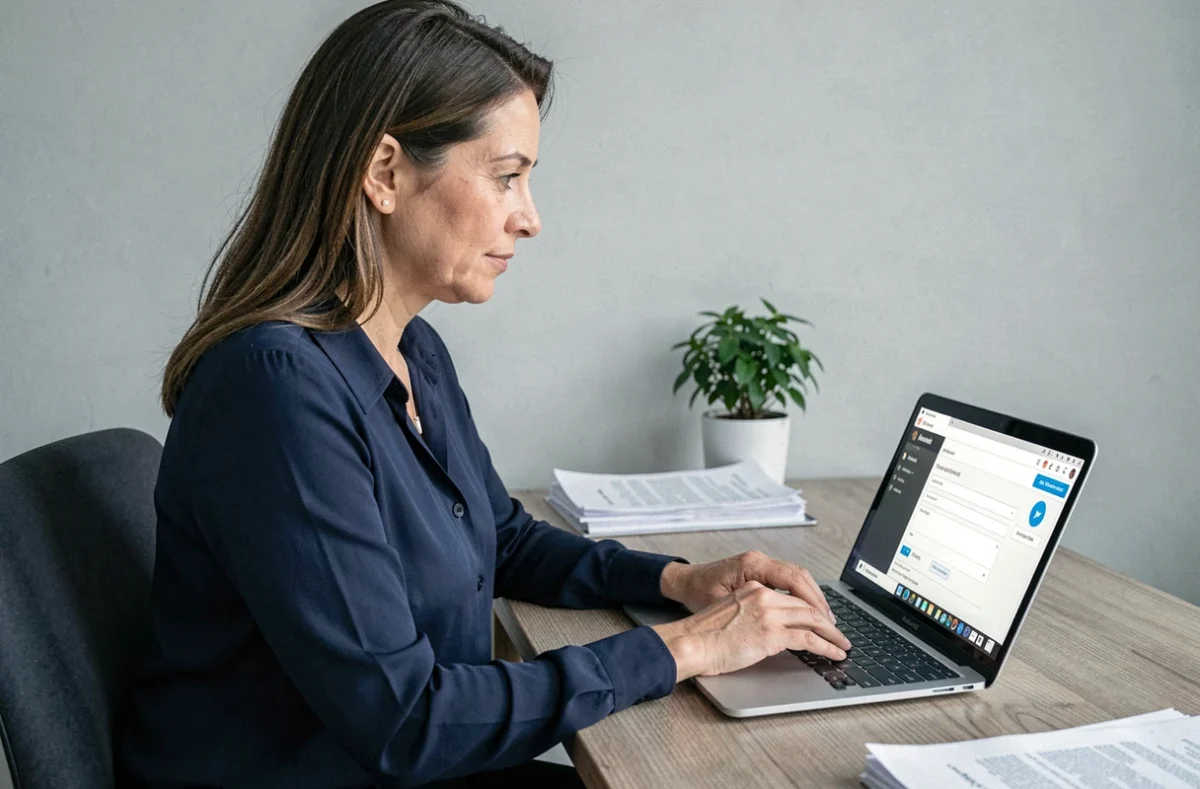
Your address has changed, your clothing size has changed, or your assignment within La Poste is no longer the same. These changes may seem minor, but they determine whether your workwear is delivered correctly. La Poste’s workwear portal, reserved for group employees, centralizes the information used to prepare and ship workwear allocations. Keeping these details up to date helps prevent delivery errors and order delays.
La Poste workwear portal: separate from the public customer account
You may be used to managing your parcels or mail on the laposte.fr website. The workwear portal has nothing to do with this standard customer account. It is an internal portal for group employees that exclusively manages professional workwear allocations.
It’s easy to confuse the two portals. Changing your address in your public customer account will not update it in the workwear portal. Each portal manages its data independently, which means you need to update your details in every relevant service.
In practice, the workwear portal uses a login linked to your internal HR profile. If you can no longer find your login details, contact your local human resources department rather than the online support team for the general public. A detailed guide explains how to update your La Poste workwear portal with these internal requirements in mind.
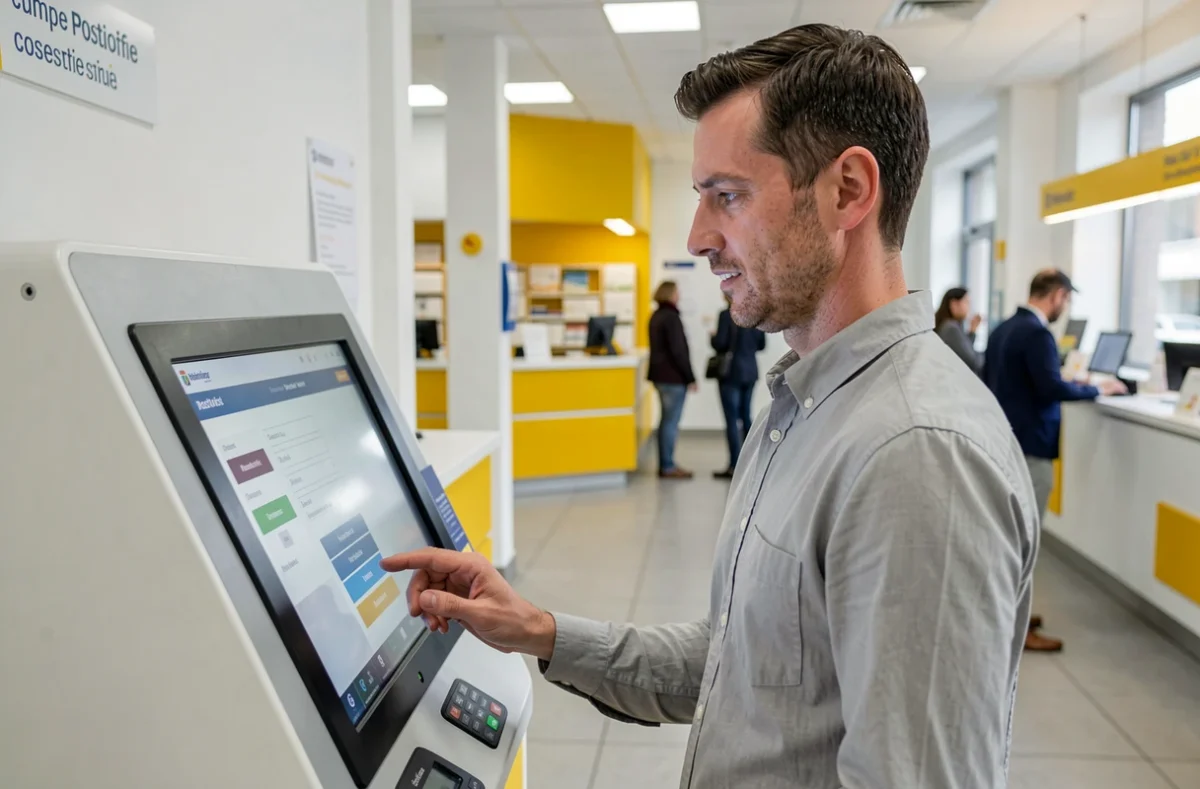
Personal details you can change in the workwear portal
Not all information can be changed in the same way. Some details are yours to update, while others must be handled by your manager or HR.
What you can update yourself
Once you’re logged in to the portal, you can edit several fields directly in your profile. The most common ones are:
- Delivery address: the address where you receive your workwear. If you move, updating it first helps ensure your parcel isn’t sent to your old address.
- Phone number and contact email address: these details are used for delivery tracking notifications.
- Measurements and clothing size: an incorrect size means an exchange and extra time before you receive the right workwear allocation.
What requires HR assistance
Your name (if your legal name has changed), employee number, or geographical assignment is linked to your administrative file. These fields generally can’t be changed through self-service. Send supporting documents to your HR contact so the correction can be reflected in the workwear portal.
Before contacting HR, prepare the necessary documents (a copy of your ID, proof of address, and confirmation of your change of assignment). This will speed up the request.
How to update your information online
The process is straightforward, as long as you follow the right steps. Here’s what to do once you’re at your computer.
Go to the workwear portal via the group intranet or the direct link provided by your department. Sign in with your HR login and password. If you’ve forgotten your password, the login page offers a reset process, often linked to your work email address.
Go to the “My profile” or “My information” section (the wording may vary depending on interface updates). Editable fields will have an edit button. Update the relevant details, then confirm.
After you confirm, a summary will appear. Return to your profile page to check that the new information has been saved. If a field is still greyed out and you need to change it, that means it must be updated by HR.
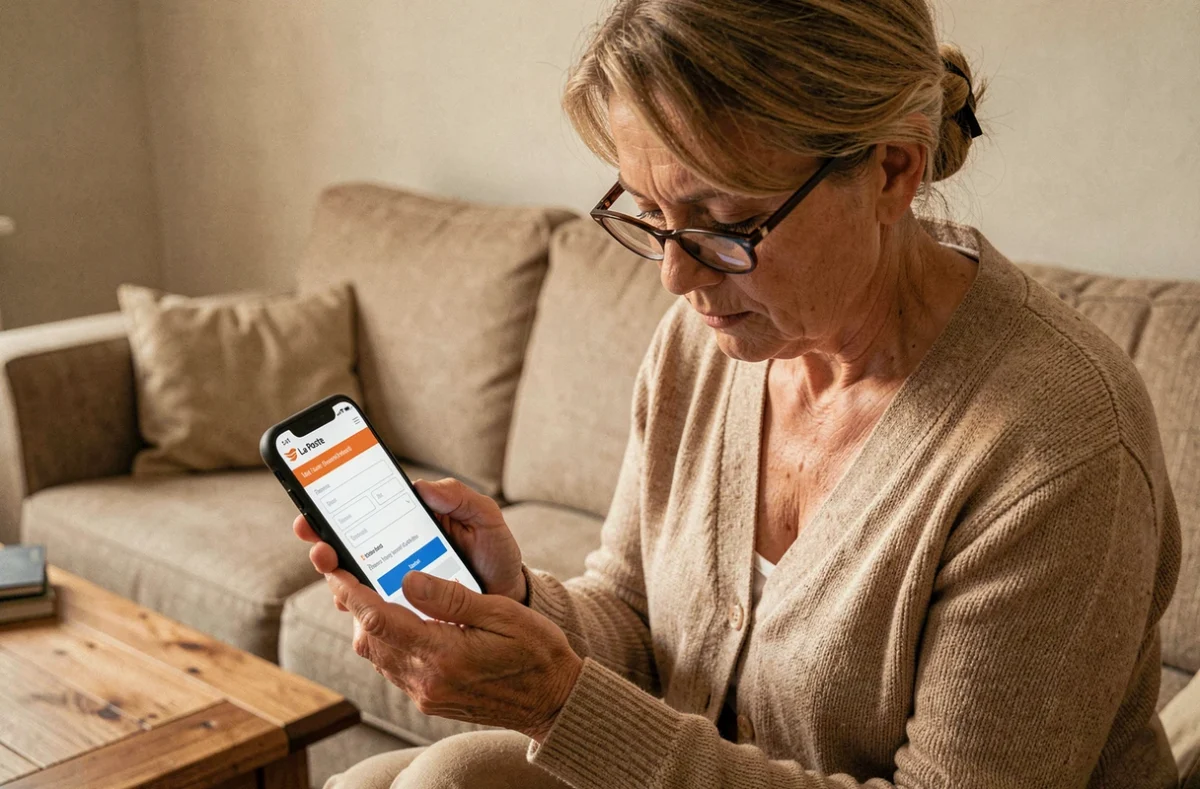
Common errors and issues with the La Poste workwear portal
A few situations crop up regularly and can slow down updates to your personal details.
Using the wrong portal is the most common pitfall. Some employees change their address on laposte.fr or La Banque Postale, assuming the change will be applied everywhere. It won’t. The workwear portal runs on a separate system.
An expired password can also prevent you from signing in. Internal login details sometimes have a limited validity period. If your password no longer works, try resetting it before contacting IT support.
Another thing to watch out for: out-of-date measurements can lead to unsuitable orders. If you receive workwear that no longer fits your current body shape, first check that the sizes saved in your profile are correct. Simply forgetting to update them can result in an unnecessary delivery.
Finally, employees who move to a different site sometimes forget to update their delivery address in the portal. Their workwear is then sent to their former workplace, making it harder to retrieve the parcel.
Why you should keep your details up to date in the workwear portal
Accurate personal details do more than make things convenient: they also speed up the processing of every workwear order. The workwear portal uses your information to prepare allocations based on your role, workplace, and body shape.
An up-to-date profile also means fewer back-and-forths with HR. Fewer manual corrections mean less time between placing an order and receiving it. For employees who work outdoors, getting the right workwear for the right season can make a real difference day to day.
Make a habit of checking your profile whenever your circumstances change: moving house, changing roles, or changing size. A few minutes can save you weeks of delivery delays. The workwear portal is your one-stop destination for everything related to your La Poste workwear.